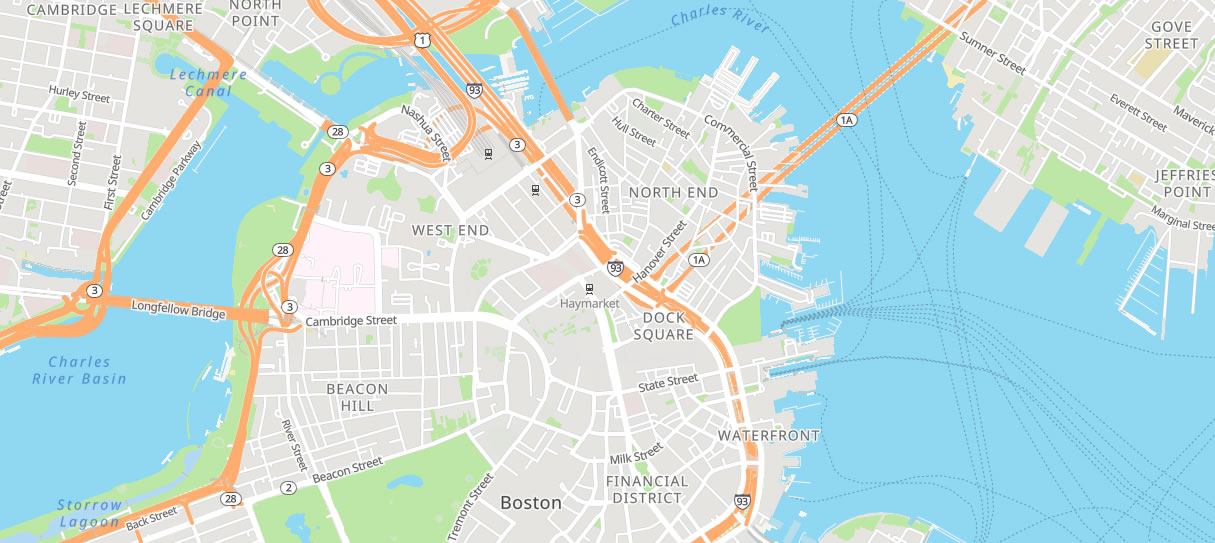
The Proximitii Maps platform provides an easy to embed dynamic mapping solution.
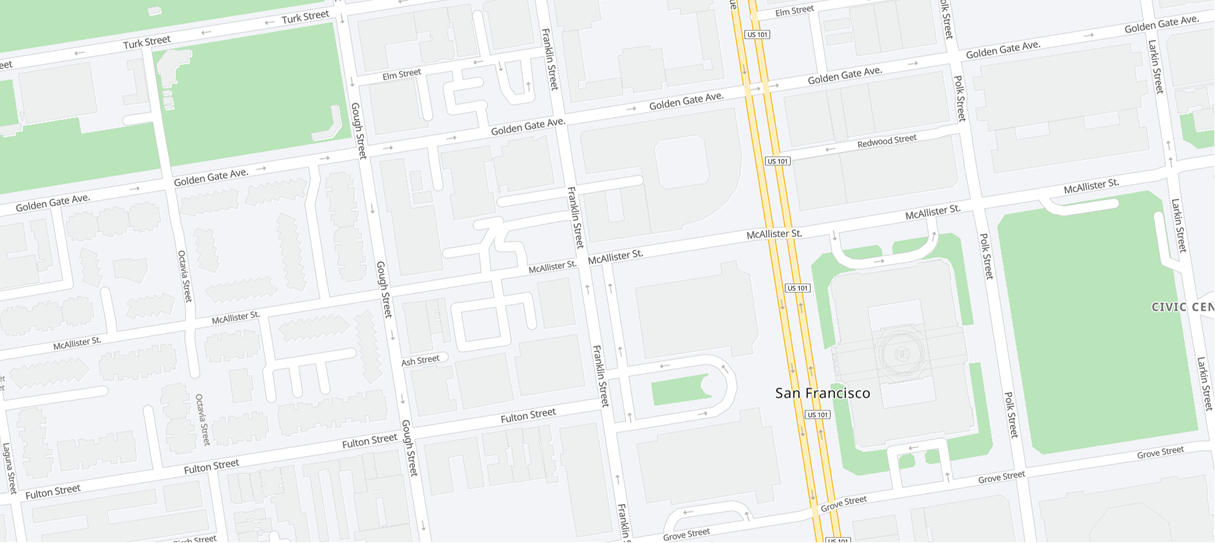
Installation
Add the following to the head of your page.
<!-- Proximitii script	-->
<script src="https://proximitiimaps.com/proxinit/"></script>

<!-- Your script -->
<script src="prox-map.js"></script>
Add the following to the body of your page.
<div id="my-map" class="leaflet-pane:leaflet-map-pane"></div>
Add the following .js file to your server.
window.onload = () => {

	const gps = [43.654087, -79.38549];		//center of the map
	const opts = {					//map options
		id:     'my-map',			//DIV id
		key:    'my-key-here',		        //your private key
		gps:    gps,
		zoom:   14,				//zoom level
		style:  'init_style_light',		//map style
		func:   onMapReady			//callback
	};

	var map_init = new ProxMap (opts);		//create the map
	map_init.create_map ();

	function onMapReady ()
	{
		var map = map_init.get_map ();	        //get map object
		if (map)
		{
			L.marker(gps)			//create marker
				.bindPopup("Hello <b>Map</b>")
				.addTo(map)
				.openPopup();

			var popup = L.popup();		//popup onMapClick event func
			function onMapClick(e) {
				popup
				.setLatLng(e.latlng)
				.setContent("Click at " + e.latlng.toString())
				.openOn(map);
			}
			map.on('click', onMapClick);	//click event
		}
	}
}
Here is a sample .html file.
<!DOCTYPE html>
<html lang="en">
	<head>
		<title>Proximitii Maps</title>
		<meta name="viewport" content="width=device-width, initial-scale=1.0">
		<meta charset="utf-8">

		<style>
			html, body {
				width: 100%;
				height: 100%;
				padding: 0;
				margin:0;
			}
			#my-map { position: relative; width: 100%; height: 100%;}
		</style>

		<script src="https://proximitiimaps.com/proxinit/"></script>
		<script src="prox-map.js"></script>
	</head>

	<body>
		<div id="my-map" class="leaflet-pane:leaflet-map-pane"></div>
	</body>
</html>
Values
General Options:
| Variable | Description | Accepted Values | Variable / Function |
|---|---|---|---|
| Latitude | Sets the latitude of center | Decimal between -90 and 90 | const gps = [latitude, longitude] |
| Longitude | Sets the longitude of center | Decimal between -180 and 180 | const gps = [latitude, longitude] |
| ID | Sets your DIV id | Any valid text | id: 'my-map' |
| Key | Sets your authentication key | Any valid key | key: 'YOUR KEY HERE' |
| Zoom | Sets the default zoom level | Any number between 1 and 19 | zoom: 14 |
| Map Style | Sets the map style | light, bright, modern, baseline | style: 'init_style_light' |
Map Styles
Each map style preview is displayed in its own row and constrained to the documentation container.
Light
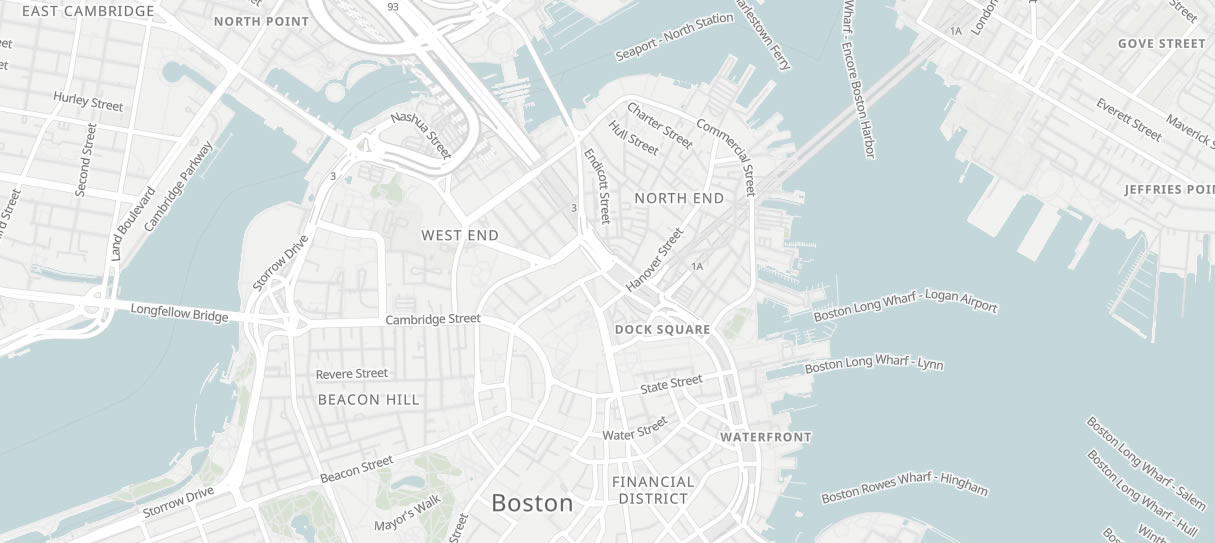
Bright
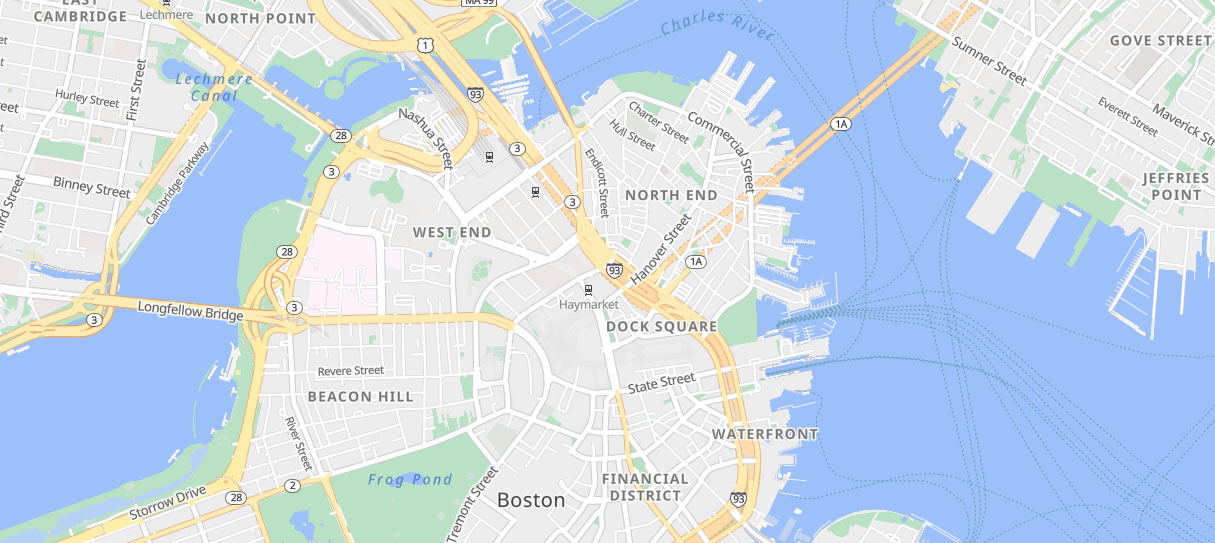
Modern
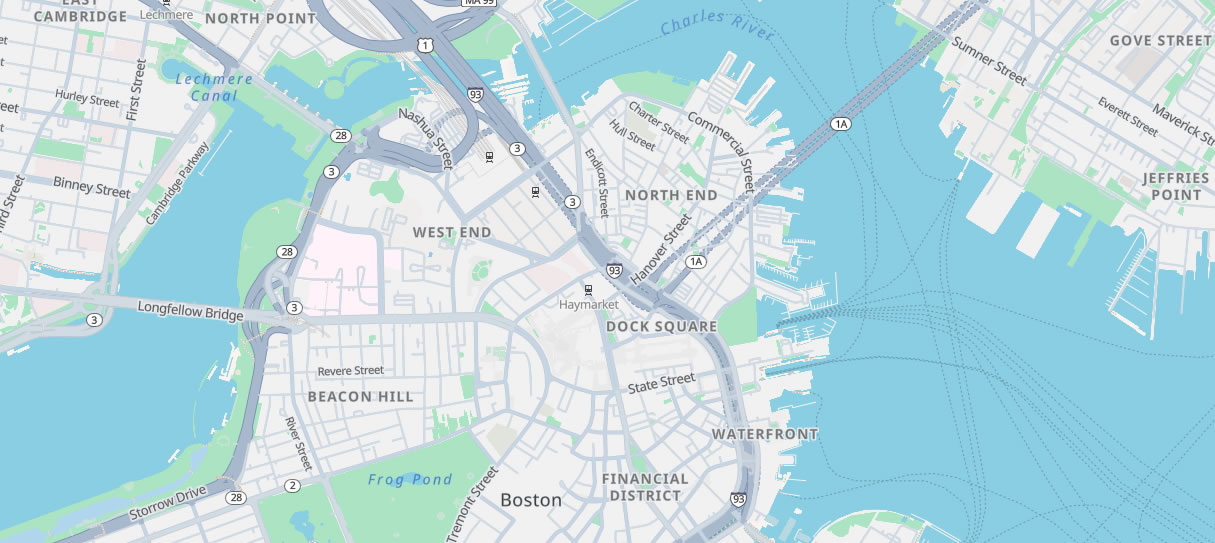
Baseline